Add an agent or a client
Register another agent, or another customer whose traffic you keep separate.
Use this when a new customer starts, or when a client needs a second agent.
The first agent comes with the connection
On the connect form, choose the Client, type a name under Agent, then press Connect. One press creates all three, and records which agent the connection feeds.
Every agent after that
A second agent is safe because each connection names the agent it feeds. One that names none scores nothing under a client with two agents. What a connection carries
Open Setup in the left rail, then Agents.
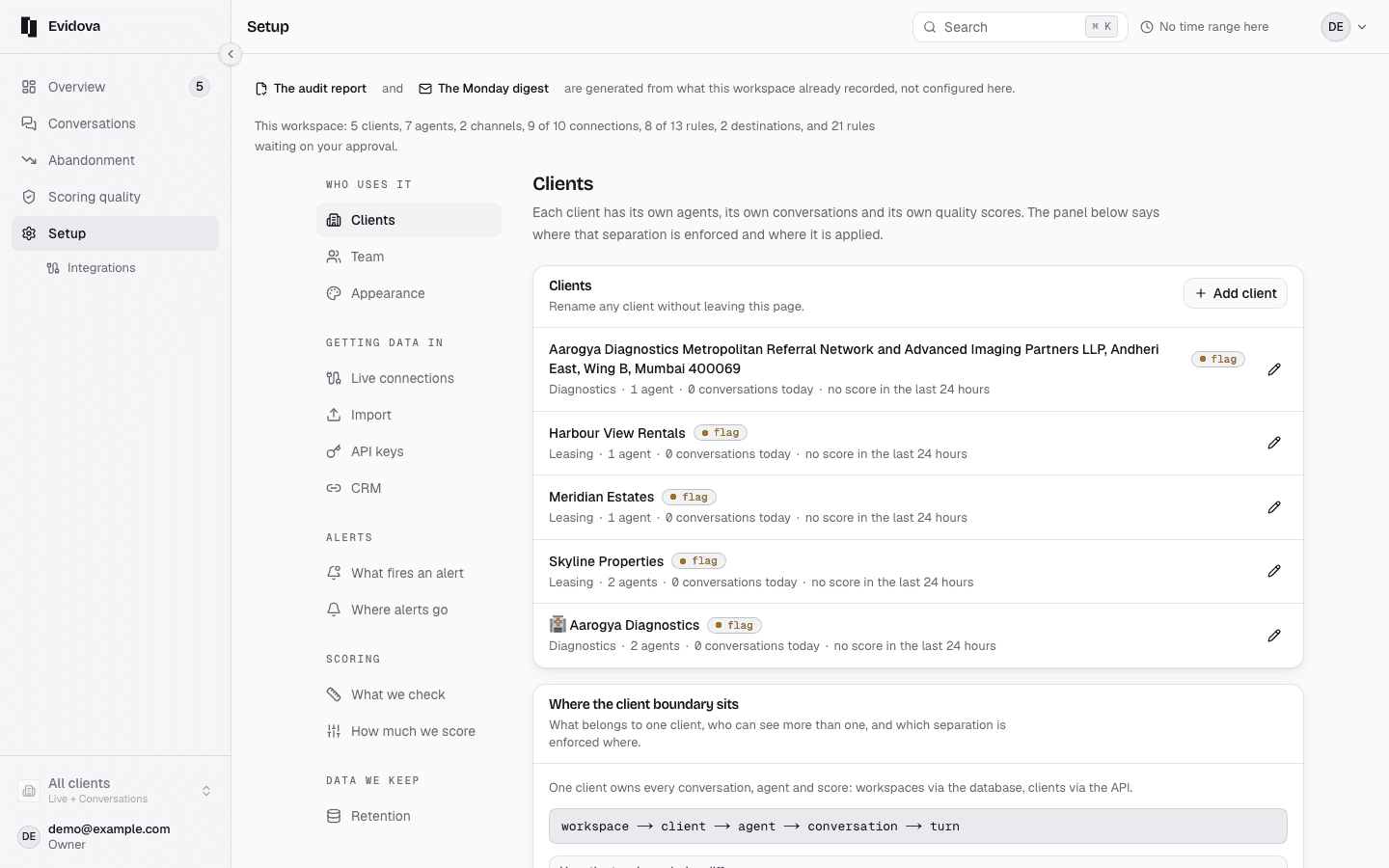
Press Add an agent.
Fill in Name, and Which client it belongs to.
An agent under no client is scored for the whole workspace, not for a customer.
Choose Which rules score it.
Nothing scores it until a set of rules reaches it, and the panel says so.
Press Add the agent.
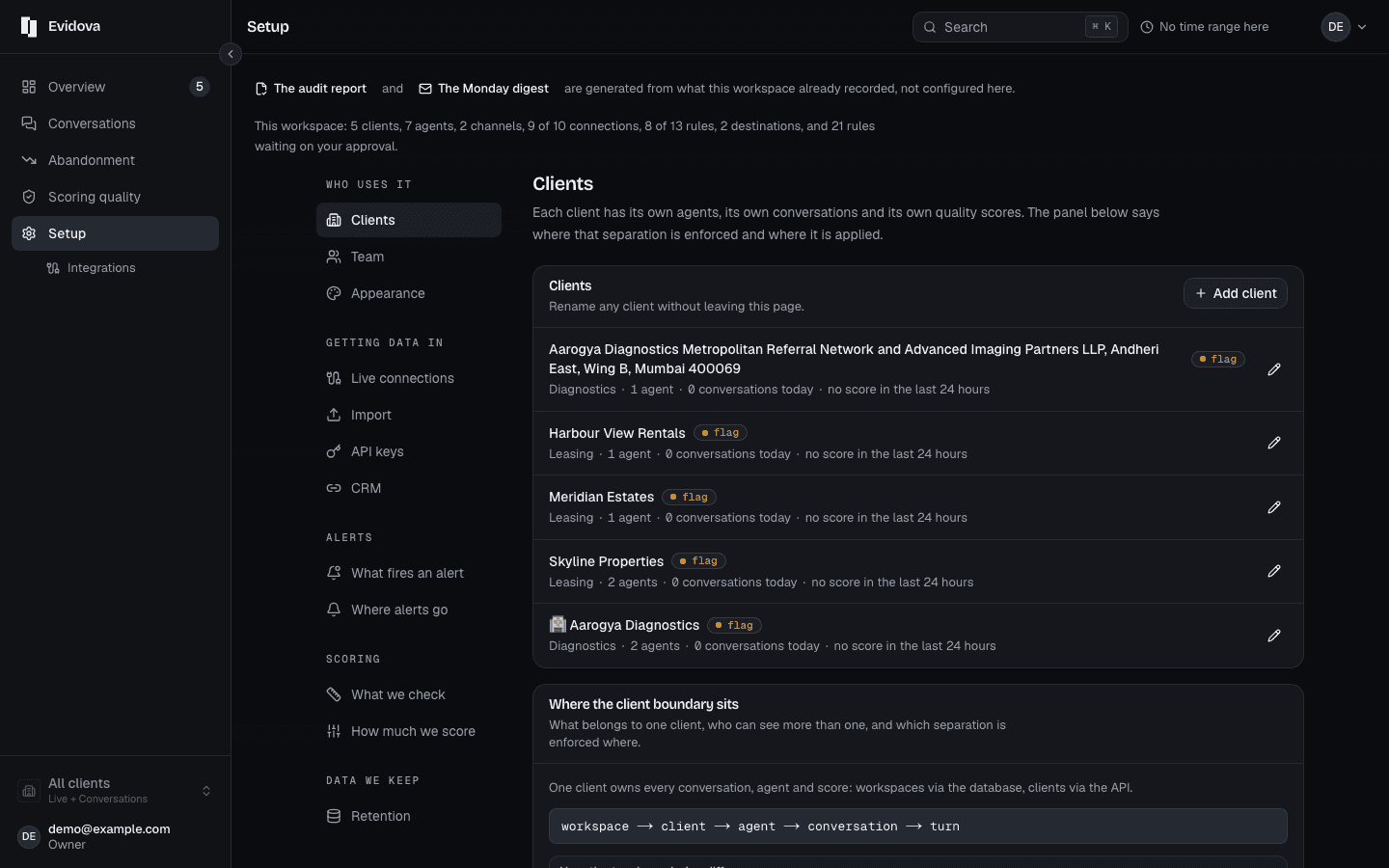
Another customer
Open Setup, then Clients, then Add a client.
Fill in Their name, and Your reference for them.
The reference is optional, and it is how your own systems name them.
Fill in Who at the client should see it.
That is who a client report goes to, and it starts Unconfirmed.
Press Add the client, then give them a connection.
Where the data comes from, then Integrations, then Connect a platform.
Reading it right
- The client is the boundary. What a read-only seat sees, and an audit report's scope, both follow it.
- A connection scoped to Every client asks for no agent, and nothing under it is scored. Give each client its own.
- Give the new agent a set of rules next, under What we check in the left rail.
Read next
- Give someone one client only · Let a partner see their own conversations and nothing else.
- Retention and redaction · Choose how long transcripts live, and strip personal details as they arrive.
- Watch conversations as they land · Follow traffic in real time and catch a bad release while it is happening.