Approve a suggested rule
Review a rule we drafted from your own documents before it counts.
Use this when we have noticed a way conversations keep failing that no rule in force asks about.
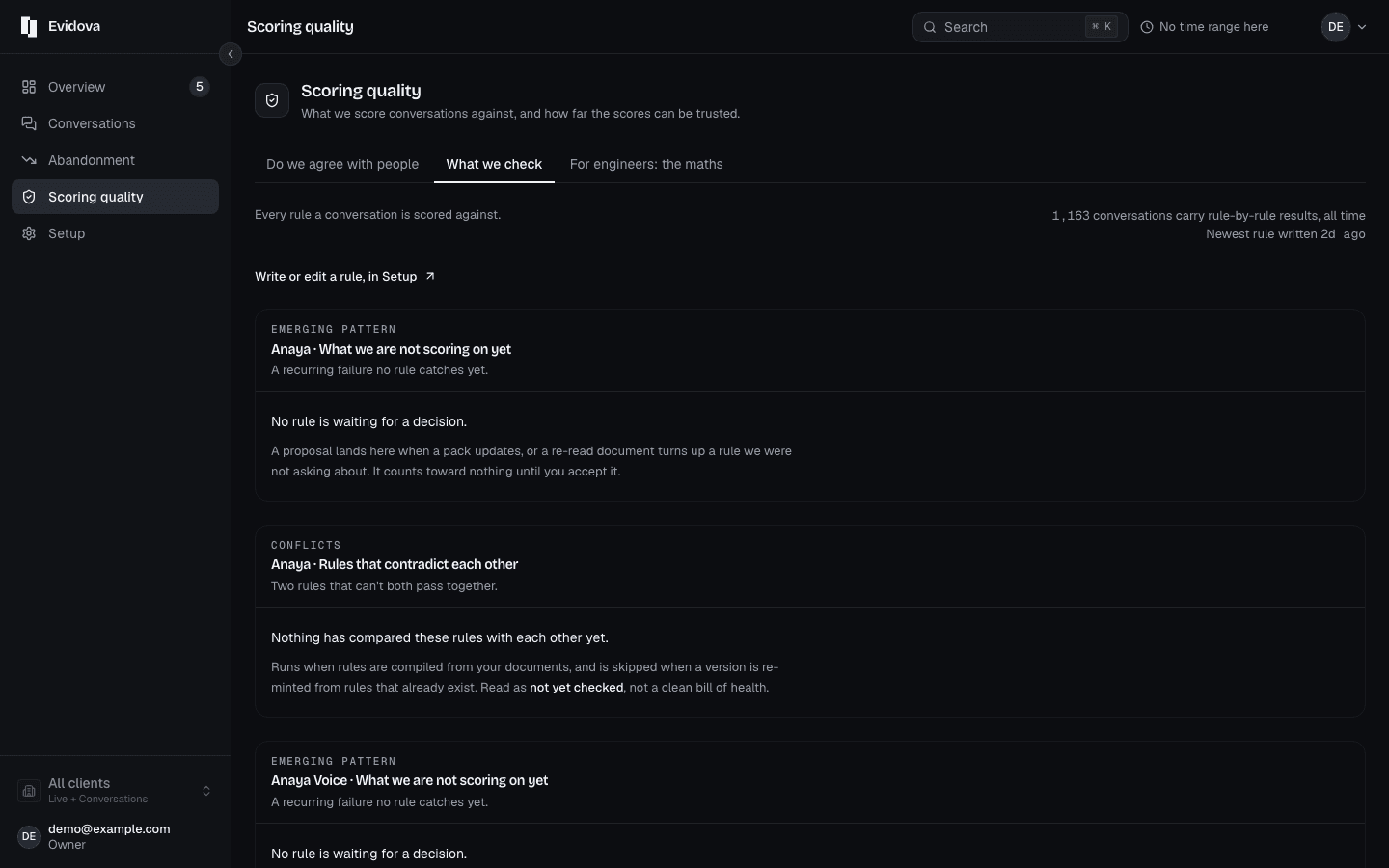
Open What we check in the left rail.
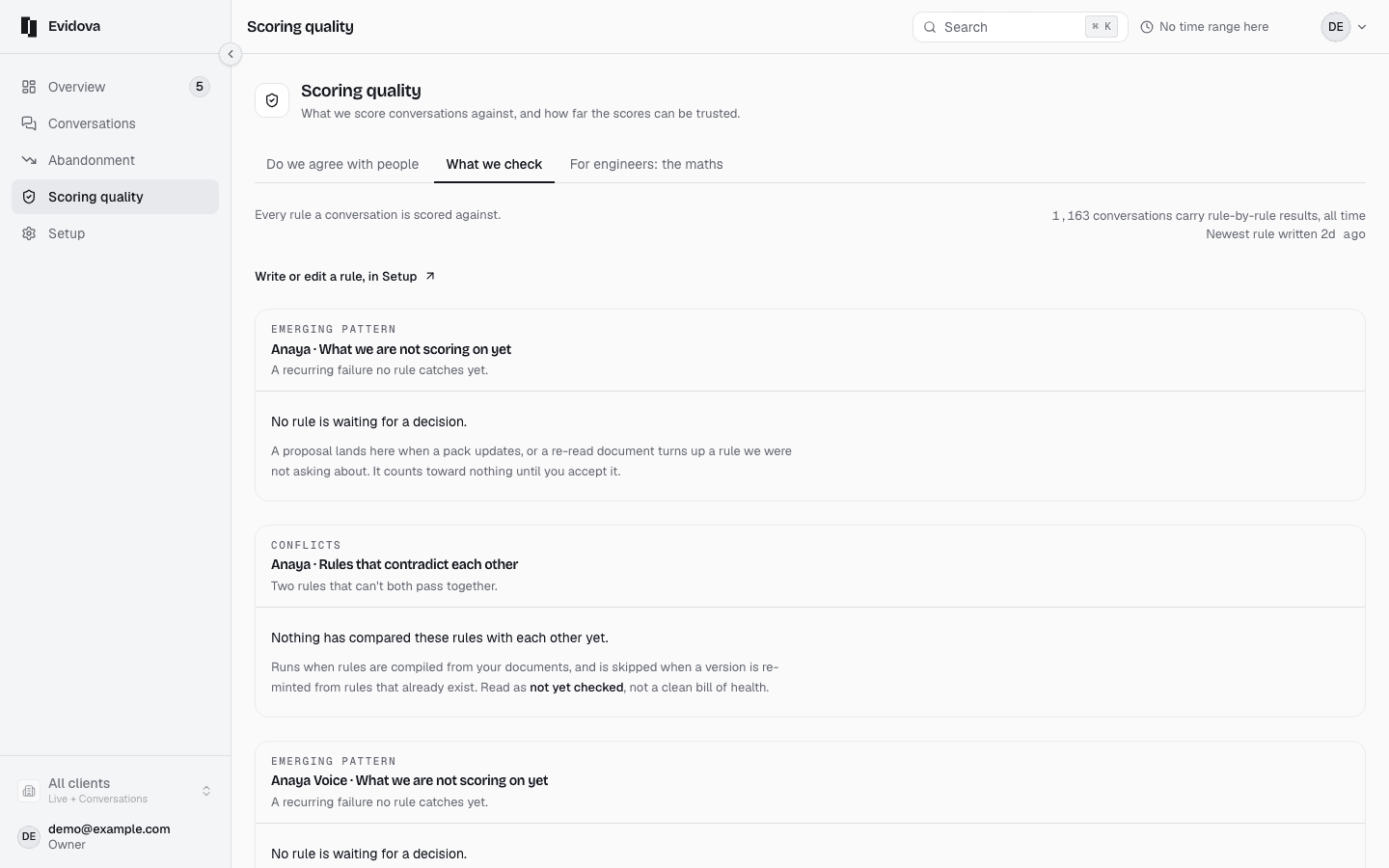
Find the waiting band, above the catalogue.
Its title counts them, spelled out: Three more are waiting for you to say yes, or One more is waiting for you to say yes.
Read the question on a row.
It is the question that rule would ask of every conversation.
Read the note beside it.
not run yet, or how many conversations it would have flagged.
Press Review the, and the count, to see past the first three.
Press Use it, or No thanks.
Pick the agent at the top before you decide.
The band answers for one agent, and the rail counts the rest.
Reading it right
- Accepting one moves no score you have already read. It starts counting at the next version freeze, so every figure you have quoted stays as it was.
- Nothing is scored against a rule until you approve it, so a waiting rule costs you nothing while it waits.
- The count beside What we check in the rail is every agent's waiting rules, not this one's. The band under the title is this agent's.
- If the page says two rules contradict each other, press Read the pair. A conversation can be failed for obeying one of them.
A row reading not run yet has no conversations behind it. That is a pattern we have named but cannot show you evidence for, so it is the weakest kind to accept.
Read next
- Set an alert · Get told when quality or latency drifts, without being told forty times a day.
- Send a report to a client · Produce a dated report you can forward to a client, and the conversation list behind it.
- Add an agent or a client · Register another agent, or another customer whose traffic you keep separate.