Quickstart
Connect one platform and read your first result. Ten minutes, one path, no choices.
The shortest path from nothing to a scored conversation. Nothing about your agent changes, and you write no code.
What you need first
- An invitation. Workspaces are invite only.
- An owner or an admin seat. Every step below is an admin change.
- Rights to change a setting on the platform your agent runs on.
- One agent you can hold a real conversation with, on voice or on chat.
The steps
Sign in. A full-screen welcome greets you and lists the six steps.
Start opens the checklist. Skip for now goes straight to Overview and never asks again. Either way the checklist stays in the left rail.
On the checklist, press Add a client on the first step.
It opens the connect form. Pick your platform there, and the form asks for that platform's own fields, in its own words.
Copy each value out of the platform's settings.
We store them encrypted and never show them again.
Choose which customer this platform carries conversations for.
Leave Client on Every client when one platform serves them all.
Type a name under Agent.
The agent whose conversations get scored. Nothing is scored until one exists. The field appears once you have chosen a single customer.
Press Connect.
One press creates the client, the agent and the connection.
Copy the delivery address and paste it into the platform's webhook setting.
That is the whole integration. If the platform signs what it sends, put its signing secret into the connection as well.
Call the agent, or chat with it, and finish.
We read finished conversations, so nothing arrives while one is still open.
Go back to the connection and read the four counts.
The first delivery stops reading never within seconds of the conversation ending.
Open the checklist again and finish the last two steps.
Say what good looks like, so there are rules to score against. Say where alerts go, so somebody hears when quality drops.
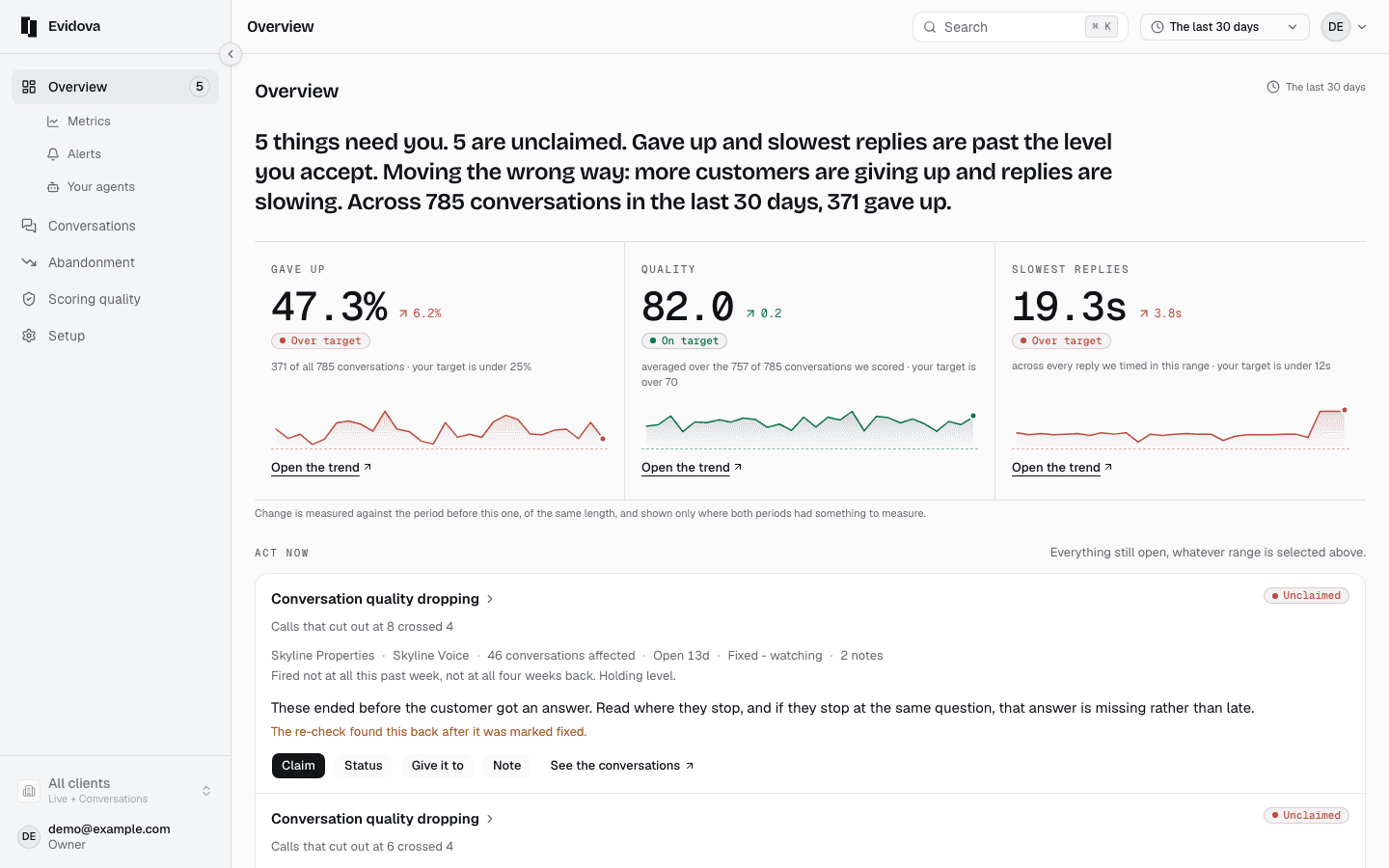
Open Overview.
Once scored, the conversation counts toward the numbers there and gets a row in the list.
If nothing arrives
| Deliveries stays at zero | The platform has not posted anything yet. Confirm you saved the address in it, and that the conversation really finished. |
|---|---|
| Refusals climb | The signature did not match the secret held in the connection. Copy the secret out of the platform again. |
| Every delivery gets a not-found answer | The connection is switched off, or its address has been replaced and the platform still holds the old one. |
| Deliveries land but no conversation appears | We could read the delivery and not the conversation inside it. The last failure line names what we could not read. |
Two things worth knowing
- Some platforms deliver nothing. For those we ask the platform for finished conversations on a schedule, so there is no address to paste. The connection screen says which of the two you have.
- Silence and refusal are different answers, and the screen keeps them apart. The last failure and the last refusal each get a line of their own.
Where to go next
Read next
- Finish setup · The six things a new workspace needs before it can score a conversation.