Retention and redaction
Choose how long transcripts live, and strip personal details as they arrive.
Use this when a contract says a transcript may not sit on a server for a year, and a phone number may not sit in one at all.
Open Setup in the left rail, then Keeping data.
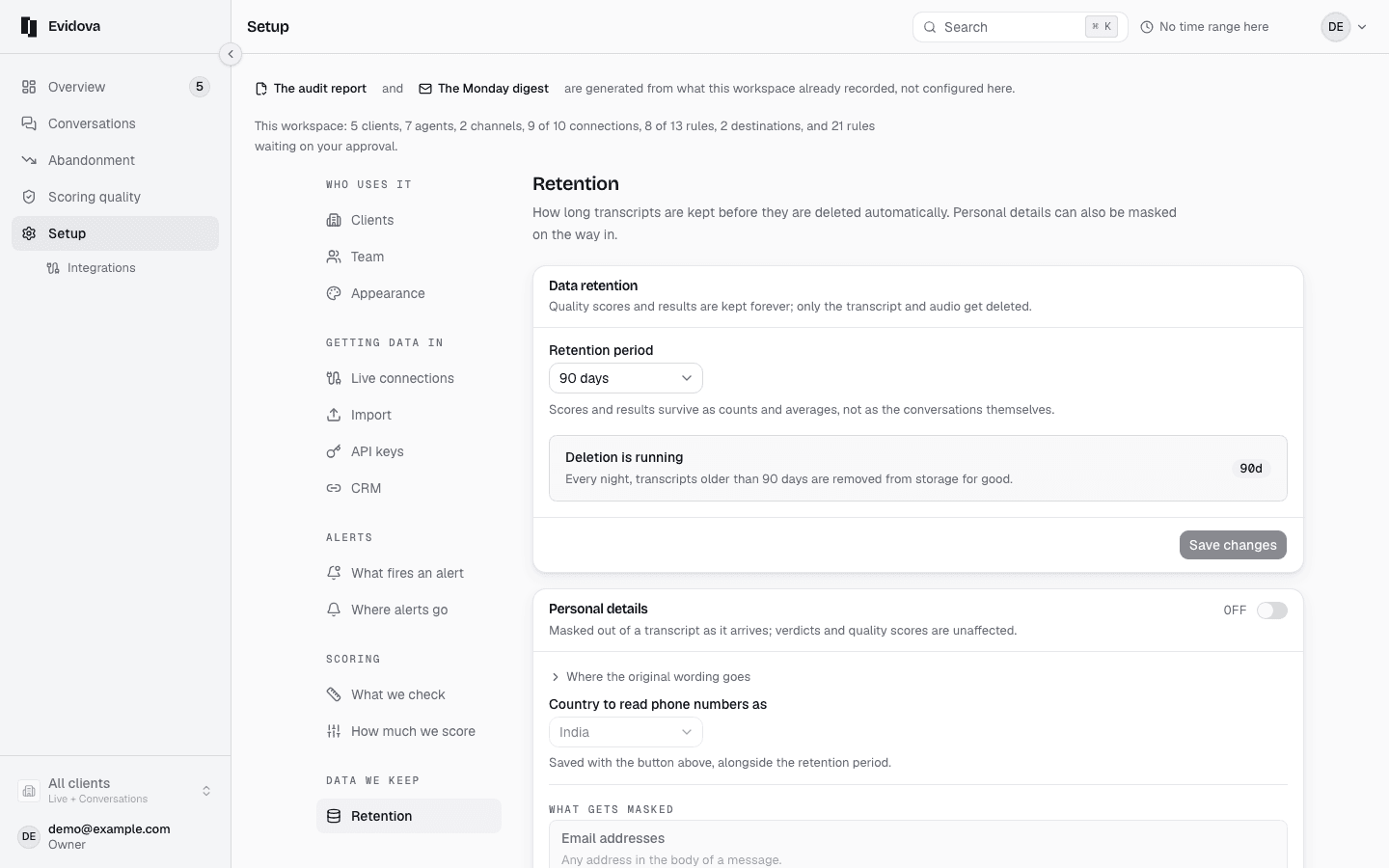
Set How long raw content is kept, in days, and press Save.
Shortening it deletes anything already past the new period, that night.
Tick Mask personal details as they arrive.
The confirmation says plainly that it changes arriving conversations only. It saves when you confirm.
Choose the Country.
It decides how phone numbers and postcodes are read, and it saves as soon as you pick it.
Read the rows below it to see what each value is stored as.
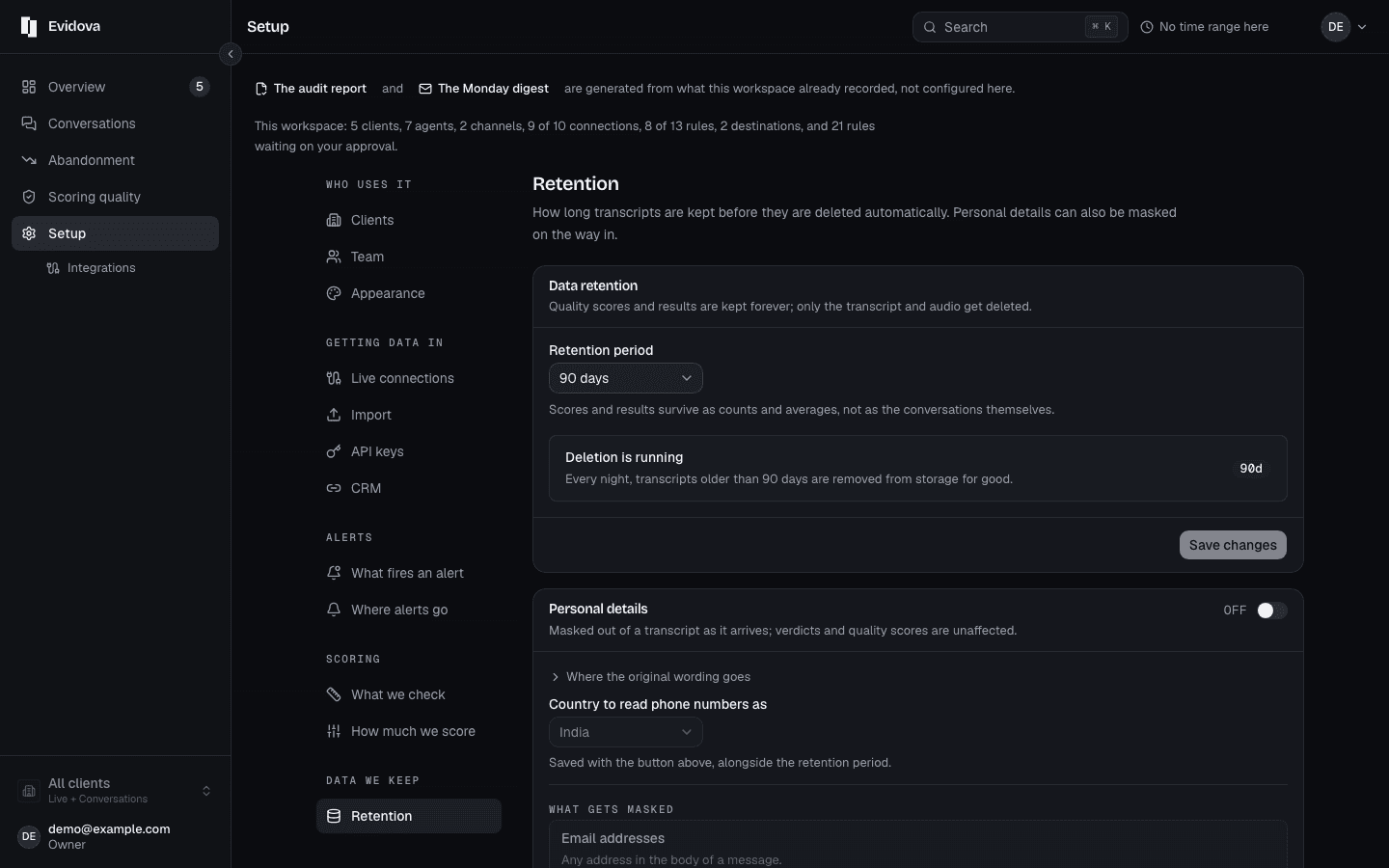
The choices, and what is fixed
| Retention period | Any number of days from 1 to 3650, one period for all raw content |
|---|---|
| Country | India, United Kingdom, United States |
| What gets masked | Email addresses, phone numbers, payment card numbers, Aadhaar numbers, PAN card numbers, names the caller gives, postal addresses |
| Postal codes | A UK postcode when the country is the United Kingdom, a six-digit PIN code otherwise |
| When masking acts | As a conversation arrives. It never reaches anything already stored |
| When deletion acts | A nightly sweep of raw content older than the period |
| Who can change it | An owner or an admin |
| Where it is stored | The Mumbai region |
Reading it right
- Scores and results are not what gets deleted. They survive as counts and averages, so an old period keeps its figures after its transcripts are gone.
- The original wording of anything masked is kept in a separate store only an admin can open, and every opening is recorded.
- The audit report carries both settings as they stood when its figures were measured, which is what makes it worth handing to a regulator.
Note: The masked list is fixed, so nothing can be added here. Tell us what else you need masked and we change it on our side. There is also no consent log to export.
Read next
- Watch conversations as they land · Follow traffic in real time and catch a bad release while it is happening.
- Change the words on screen · What you can rename today, what the product calls things, and where the words come from.
- Find why people gave up · Read the reasons customers stopped, ranked by how many conversations each one cost.