Add a rule of your own
Write a question you want asked of every conversation, and put it live.
You do not type the rule. You give us the writing that defines good, and we compile the rules out of it, so every rule points at the sentence it came from.
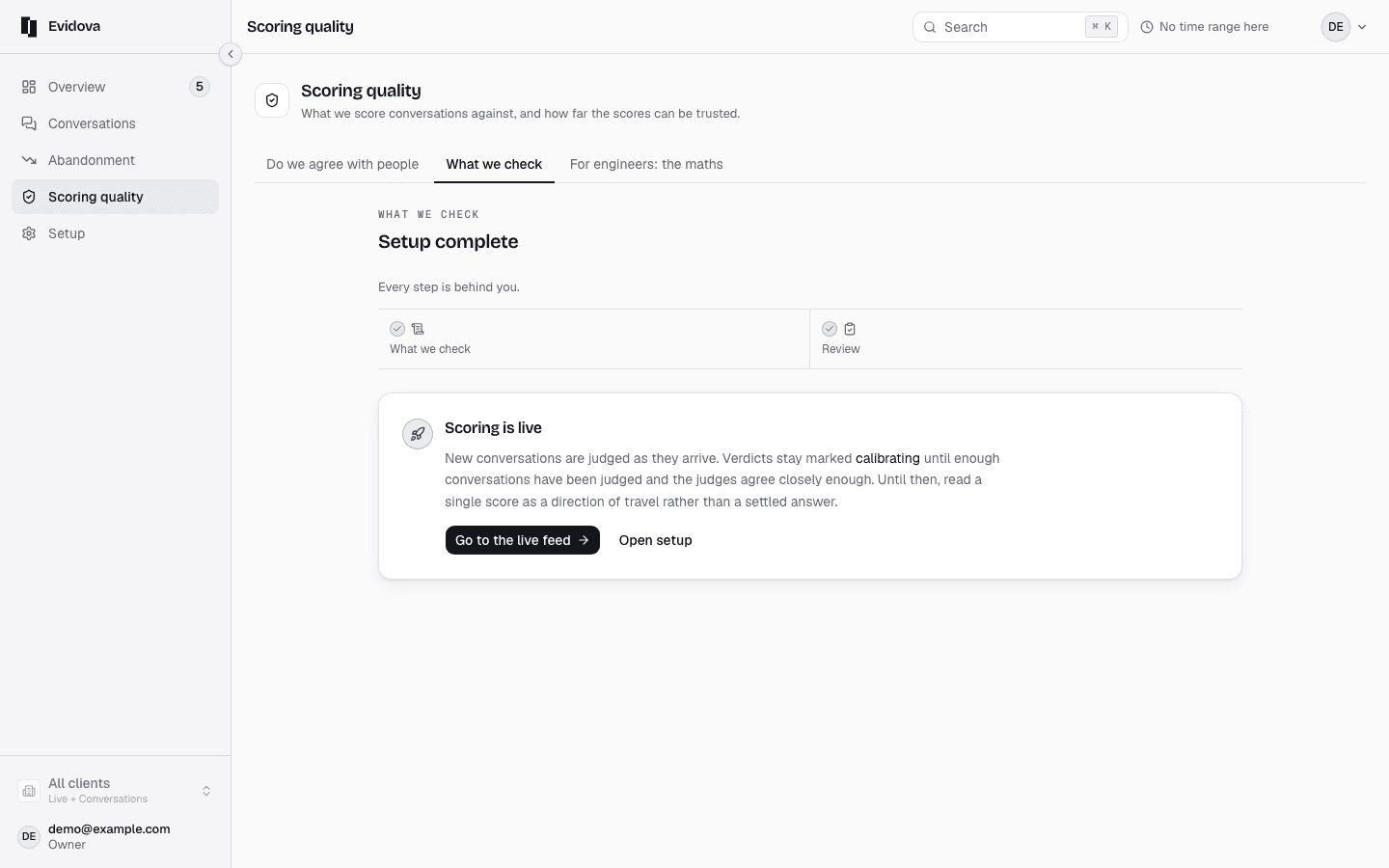
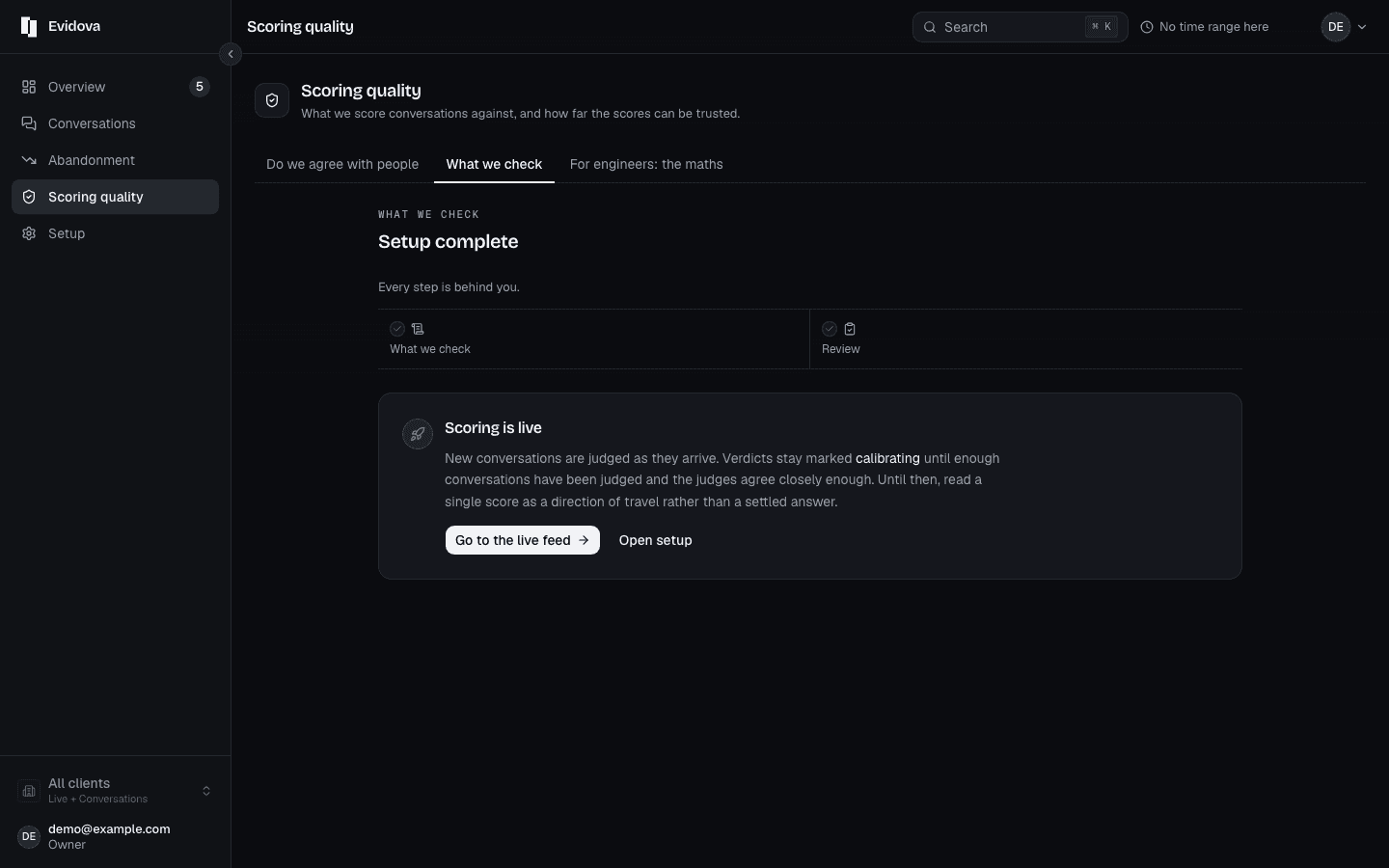
Open What we check in the left rail.
Every rule a conversation is scored against.
Press Write a rule, then Say what good looks like.
Under Industry pack, press Apply pack if one fits.
It adds its rules in the background, where they decide nothing.
Under Your documents, choose a Document type.
Paste into Content, or Upload a file instead, then Save document.
Press Compile, or Recompile if a set already exists.
It says how many rules it wrote, how many it merged, and where your documents disagree.
Press Next to reach Review.
This is a two step form, and nothing goes live on the first one.
Settle every conflict.
Each card shows both rules. Keep this one takes that side and refuses the other.
Work through the rules awaiting review, with Approve and Reject.
Press Build with my decisions.
Press Move to active, or Move to canary instead.
The document types
| Document type | System prompt, SOP, Fields to extract, Guardrails, Goal, Funnel, Setup, Observed, Manual |
|---|---|
| File formats | .txt, .md, .json |
| Note | Optional, so you can remember which version this was |
Reading it right
- Nothing you approve moves a score you have already read. A rule starts counting at the next version freeze, so old figures stay comparable with each other.
- Read the new rule against a real conversation before you promote it. Ask whether the question reads the way a supervisor would say it out loud.
- If two documents disagree, settling it at review is cheaper than leaving two rules in force that cannot both pass.
Read next
- Approve a suggested rule · Review a rule we drafted from your own documents before it counts.
- Set an alert · Get told when quality or latency drifts, without being told forty times a day.
- Send a report to a client · Produce a dated report you can forward to a client, and the conversation list behind it.