Change the words on screen
What you can rename today, what the product calls things, and where the words come from.
The product's own words are fixed. No setting renames a score, a measure, a screen or a role, and every workspace reads the same words off the same figures.
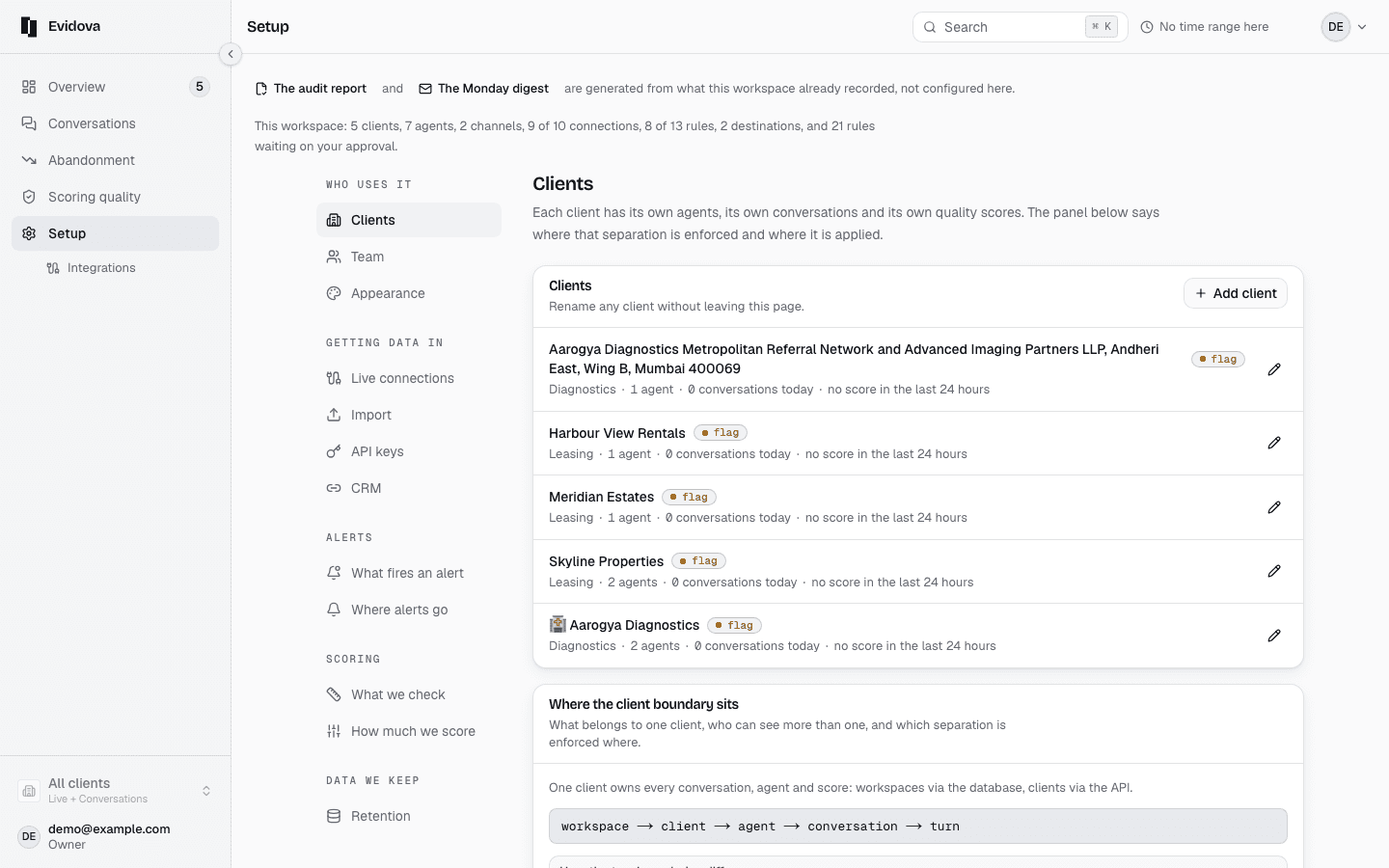
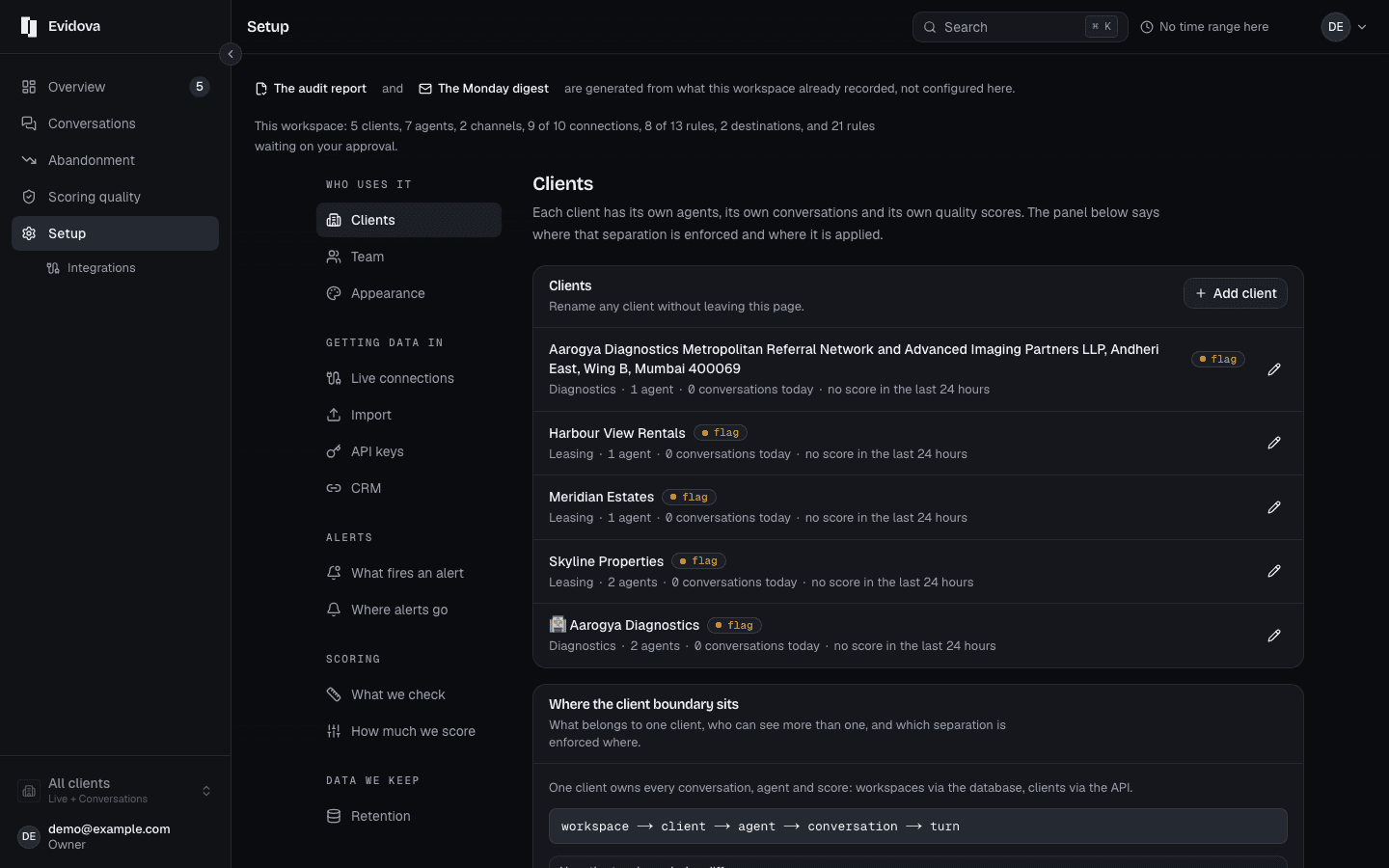
Open Setup, then Clients, then Open on a row.
Their name renames that customer everywhere. It is the one product label a workspace can edit.
Open What we check in the left rail.
Every rule is phrased as a question, and those questions come out of the documents you gave us.
To change how a question reads, change the writing behind it.
What we check, then Write a rule, is the door. The guide on adding a rule walks the whole path.
For everything else, read Every word we use.
The plain phrase for each idea and the formal name behind it.
Reading it right
- The words are fixed because they were not always. One figure once carried four names on four screens, and somebody told to download one thing could not find the screen that called itself another.
- Two places your own words do reach the screen: a client's name, and the question a rule asks. Both are read far more often than any label you might want changed.
- If a word genuinely does not work for your team, tell us. We change it once, for everyone, rather than letting two people in one workspace read different labels off the same figure.
Read next
- Find why people gave up · Read the reasons customers stopped, ranked by how many conversations each one cost.
- Prove a fix worked · Show that a change moved the number, over the same time range and the same traffic.
- Check you can trust the scores · Read the agreement figures for your own workspace before you act on a score.