Watch conversations as they land
Follow traffic in real time and catch a bad release while it is happening.
Use this when you are shipping in ten minutes and want to watch the first conversations land.
Open Conversations, then Live feed indented under it.
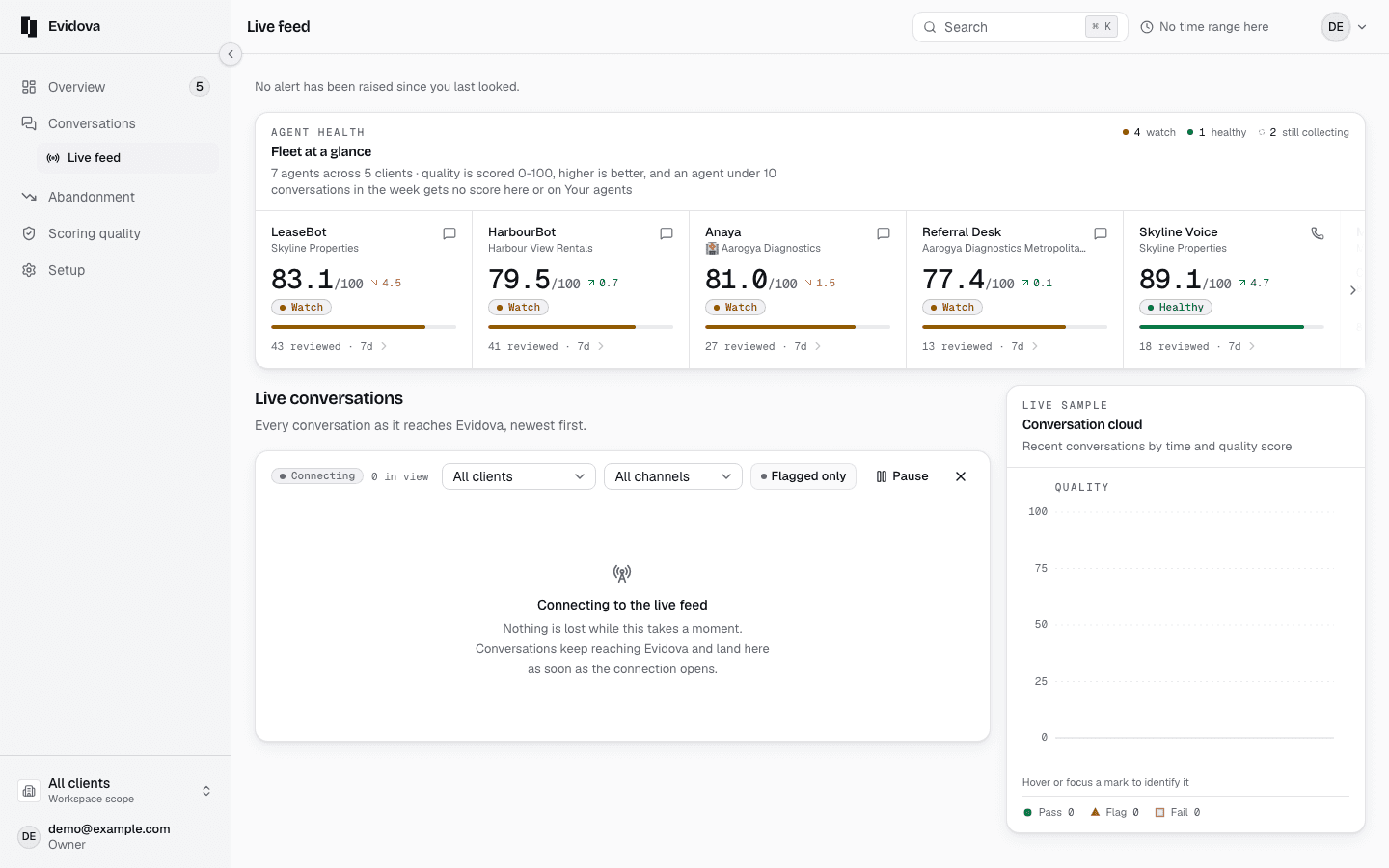
Read the line at the top.
The connection state, and how long since the last conversation anywhere.
Read the sentence under the heading.
It says how many connectors cannot account for a silence.
Read the bars.
One for each of the last thirty minutes. A grey stub is a minute with nothing.
Read the four counts for this hour.
Arrived, still talking, waiting for a verdict, judged, and nothing to judge.
Press Hold the feed to read one row without the list moving.
Let it run starts it again.
Press Only what failed to drop the rest.
Click a row to open that conversation in full.
Read the connector bands beside the feed.
Quiet, and answering can prove it. Gone quiet is past its own gap.
Press Open, or Check it on a stopped connector.
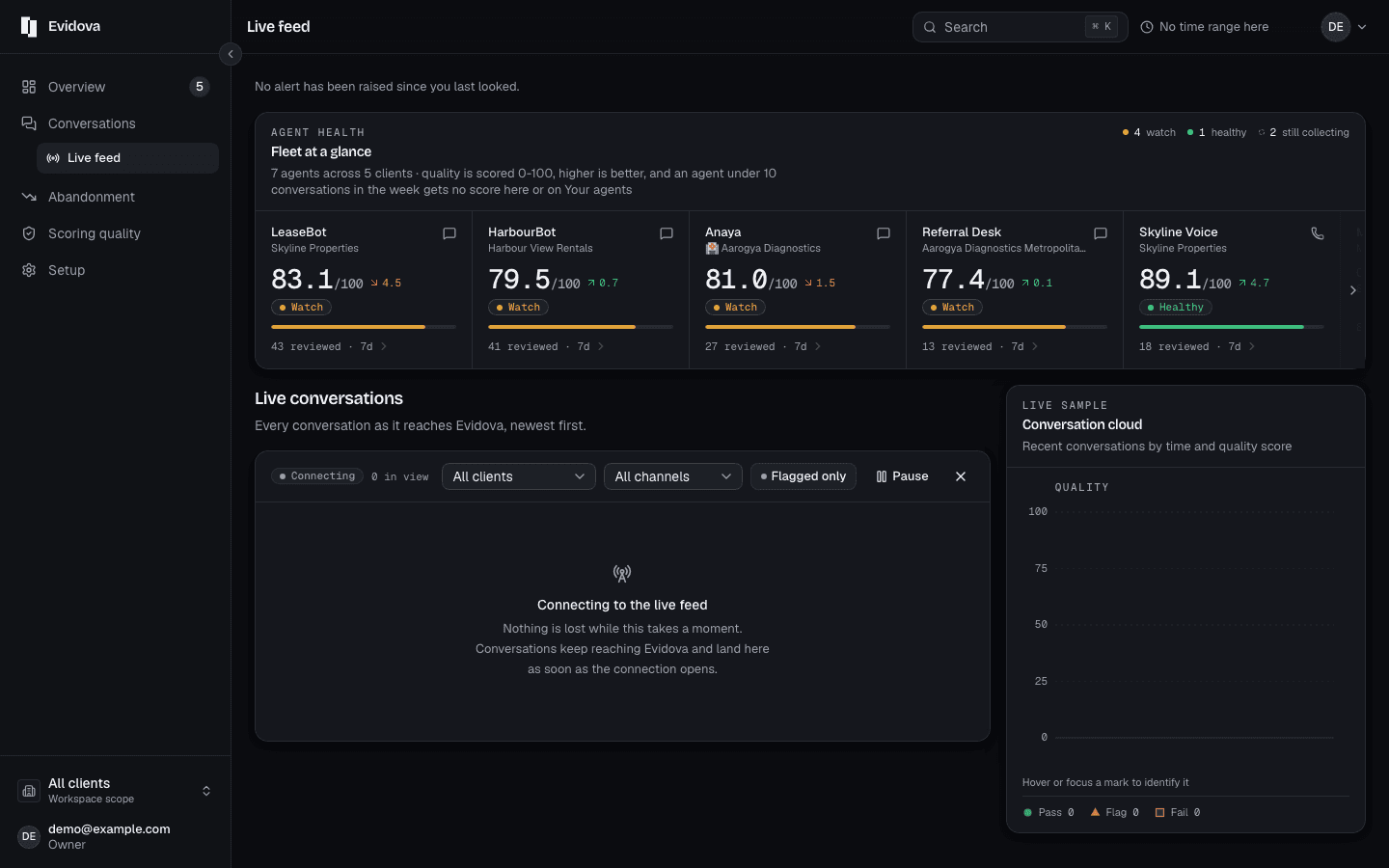
What the states mean
| The feed's own state | As it arrives, Not hearing the feed, Nothing has arrived, Nothing is arriving |
|---|---|
| A row still being said | Still talking, so nothing has been read yet |
| A row waiting on the judge | Judging, rather than a blank |
| A row with nothing in it | Nothing to judge, because there was nothing to quote |
| Usual gap | The median interval between two deliveries over the last week |
Reading it right
- A bad release shows up here first, as the same failure on row after row. That is enough to roll back on. You do not need to wait for a score.
- An empty list on its own is the same picture for a quiet evening and a dead connector, so read the connector bands before you conclude anything.
- The live feed tells you something is wrong now. The conversation tells you what. Open one bad row and work through it turn by turn.
Read next
- Change the words on screen · What you can rename today, what the product calls things, and where the words come from.
- Find why people gave up · Read the reasons customers stopped, ranked by how many conversations each one cost.
- Prove a fix worked · Show that a change moved the number, over the same time range and the same traffic.