Send a report to a client
Produce a dated report you can forward to a client, and the conversation list behind it.
Use this when a client wants a dated document rather than a screen.
Open Client report in the left rail.
A report is written for one client, so it asks you to choose one.
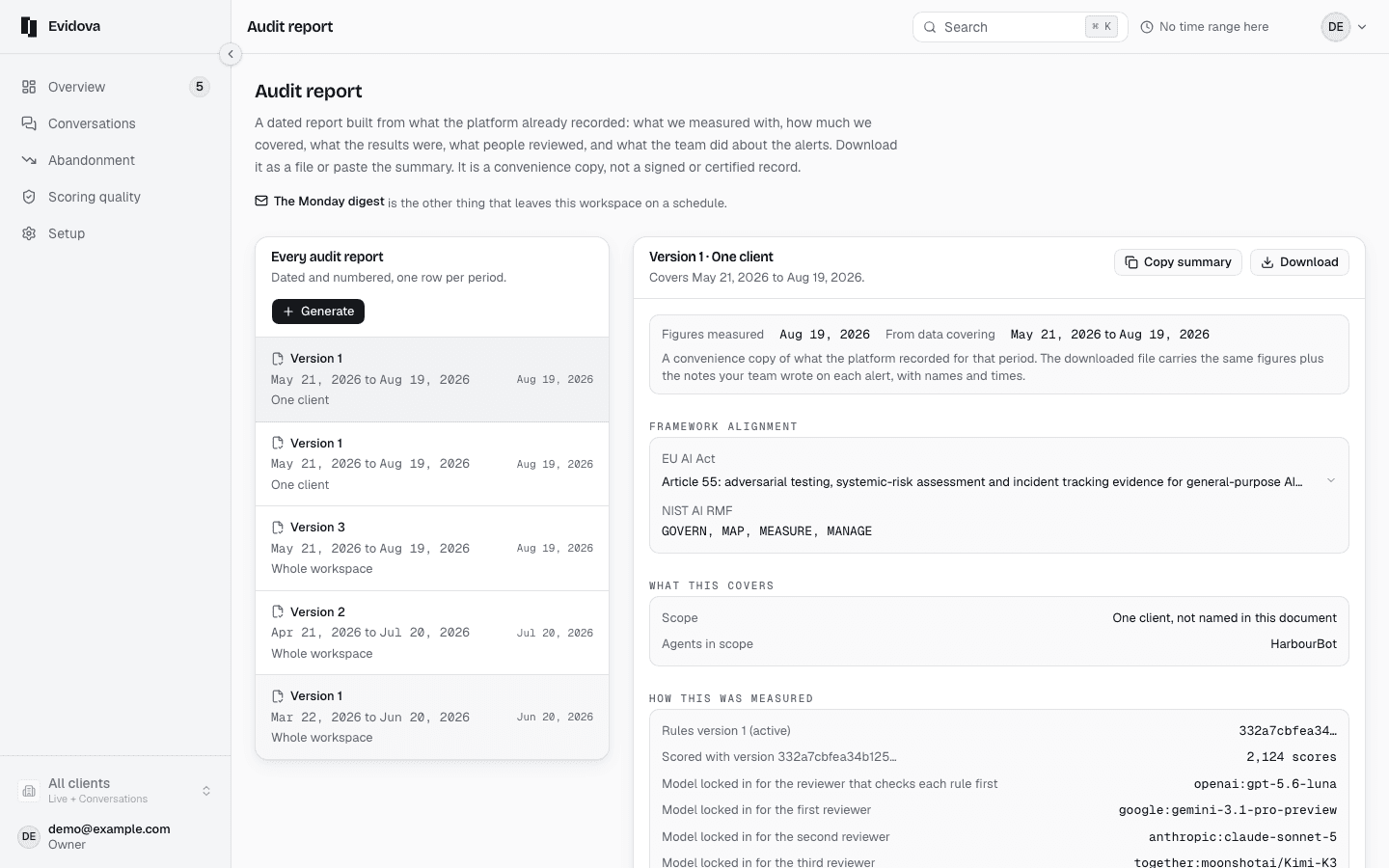
Choose the client in the top bar.
The choice goes into the address, so a copied link opens the same report.
Read the byline under the client's name.
It says the rules were approved by the team that runs these agents.
Read What we checked.
Every approved rule, its pass rate, and the change on the week before.
Read How these numbers were produced.
What ran on every conversation, and which figures are an estimate.
Press Send to the client's contact, in the rail.
It goes out when a person here presses send, never on a schedule.
Press Download PDF, or Copy link.
Read Sent before, and Past reports for an earlier week.
Every send is on the record, with whether it arrived.
What the report carries
| Period | One week, ending on the day this workspace starts its week |
|---|---|
| Scope | One client, carried in the address as clientId |
| Contents | The byline, the week's figures, two weeks of quality, where people left, every approved rule with its pass rate, what your team noted, and the method |
| What goes in | Says what the document holds, not what you may choose. A send carries the whole document |
| Schedule | The workspace's own weekly report goes on a schedule. A client's report does not |
Reading it right
- Copy link is for somebody who already has a seat here. It is not a link a client can follow.
- A rule marked as failing a conversation outright holds that conversation to 25 at best, however well the rest of it went.
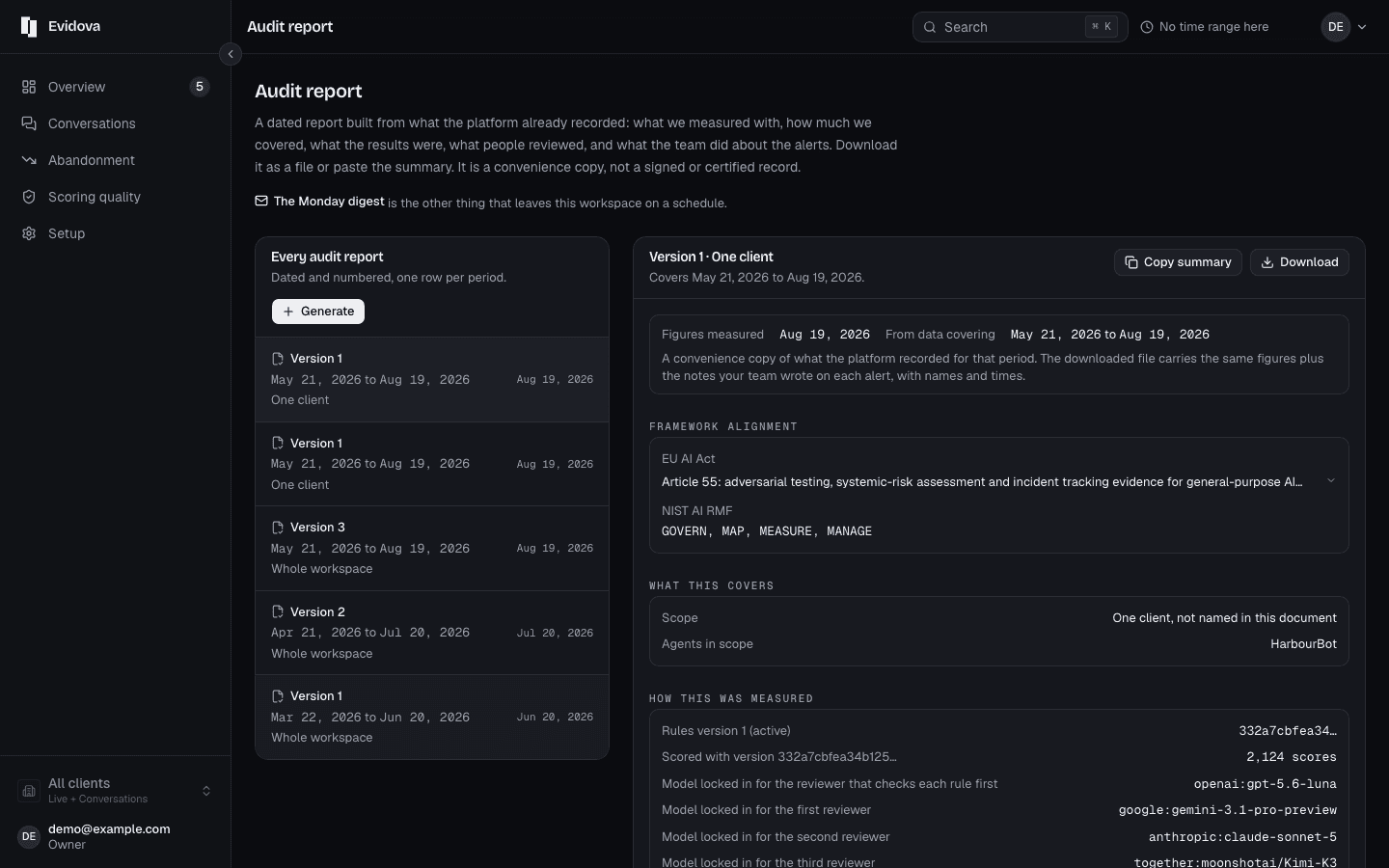
- An auditor wants a different document. The audit report is in the account menu, and it covers the whole workspace over ninety days.
Read next
- Add an agent or a client · Register another agent, or another customer whose traffic you keep separate.
- Give someone one client only · Let a partner see their own conversations and nothing else.
- Retention and redaction · Choose how long transcripts live, and strip personal details as they arrive.